
This file introduces the operating instructions for the Panasonic RR-XR320 IC Recorder. The recorder can be connected to a personal computer via a USB reader/writer and operated using the SD Voice Editor software.
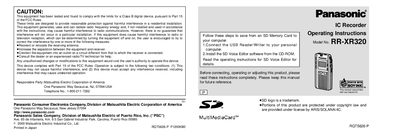
This manual provides operating instructions for the Panasonic RR-XR320 IC Recorder. It details the setup process, including inserting batteries and SD Memory cards, and explains how to set the date and time. The guide covers basic operations such as recording, deleting files, and locking files, as well as advanced features like folder management and timer recording.
| Included Memory | 16MB SD Memory card |
|---|---|
| Clock Accuracy | Monthly accuracy +/- 60 seconds |
| Max Folders | 9 folders |
| Max Files per Folder | 99 files |
| Recording Quality Modes | HQ, SP, LP |
Yes, you can use MultiMediaCards in place of SD Memory Cards, but you must format them before use.
The unit creates four initial folders and allows you to create five more, for a maximum of nine folders.