
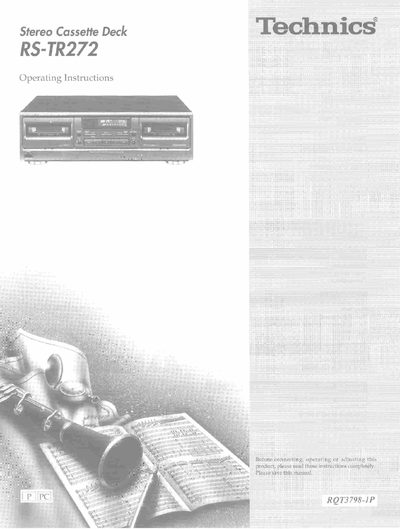
Technics RS-TR272 Stereo Cassette Deck Operating Instructions


Technics RS-TR272 Stereo Cassette Deck Operating Instructions - cover page
Brand
Technics
Category
Other Electronics
Document type
User Manual
Language
English
Pages
16
File format
PDF
File size
2 MB
Published
03 July, 2012
Updated
31 August, 2012
MD5 checksum
79E3B4468921368B1235BFCDD117C848

About this manual

This document provides operating instructions for the Technics RS-TR272 stereo cassette deck. It details the front panel controls, including power, deck selection, Dolby noise reduction, and reverse mode functions. The guide explains how to connect the unit to audio equipment and other system components.

What's inside

  • Before use
  • Precautions
  • Front panel controls
  • Connections
  • Playback
  • Recording
  • Tape-to-tape recording
  • Maintenance
  • Technical specifications
  • Trouble shooting guide

Specifications

Power SupplyAC 120 V, 60 Hz
Audio Powerup to 100 W

Frequently asked questions

What is the power requirement for the Technics RS-TR272?

The unit requires a household AC outlet of 120 V at 60 Hz.

How do I select the Dolby noise reduction system?

Press the DOLBY NR button; the indicator changes in the order: B — C — off.

Download PDF (2 MB)

More Technics Manuals


View all Technics manuals →