
How to install and use OneDrive on your iPhone or iPad
This guide explains how to install and use the Microsoft OneDrive app on an iPad or iPhone. It covers installing the app from the App Store, logging into a University of Exeter OneDrive account, and accessing OneDrive files and SharePoint Sites on the device. Instructions are the same for all iOS devices, with iPad screenshots shown.
The guide then describes saving files to OneDrive from other apps, editing Office files directly, sharing files with limited options in the apps, and using advanced sharing and file restoring through Office 365 on the web, including version history and the Recycle bin.
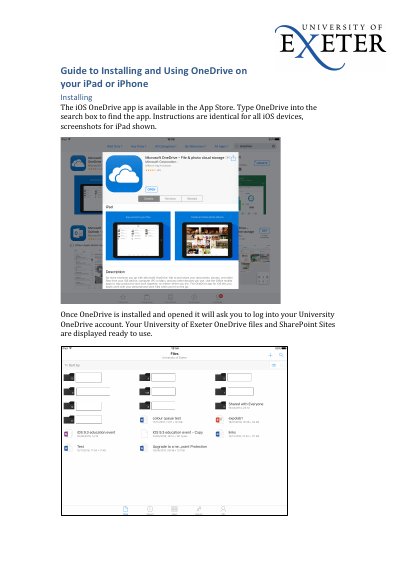
The iOS OneDrive app is available in the App Store; type OneDrive into the search box to find it.
Tap the ShareSheet icon in the app and tap OneDrive to save.
Ten versions of file changes are stored.