
A guide comparing Windows Server 2022 features and improvements with earlier versions to help decision makers evaluate an upgrade.
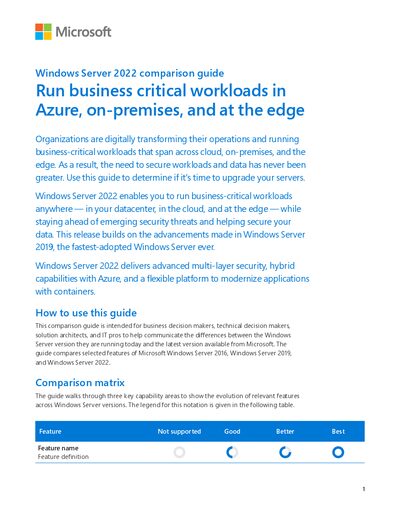
The Windows Server 2022 Comparison Guide outlines the new security, hybrid, and scalability features of the 2022 release and contrasts them with Windows Server 2016 and 2019. It is aimed at business and technical decision makers who need to understand the benefits of upgrading.
Key sections cover multi‑layer security (Secured‑core server, Secured connectivity), storage and networking enhancements (SMB encryption, UDP/TCP performance), hybrid cloud management (Azure Arc, Azure File Sync), and container/virtualization improvements (Hyper‑V isolation, Kubernetes support). The guide also lists the maximum hardware limits and performance capabilities of the 2022 edition.
| Maximum memory support | 48 TB |
|---|---|
| UDP offload support | UDP Segmentation Offload and UDP Receive Side Coalescing |
| TCP performance features | TCP HyStart++ and RACK‑TLP |
Windows Server 2022 adds Secured‑core server, Secured connectivity with TLS 1.3, SMB encryption enhancements, Credential Guard, and advanced threat protection.
It introduces UDP Segmentation Offload, UDP Receive Side Coalescing, TCP HyStart++, and RACK‑TLP to reduce packet loss and latency.
Yes, Azure Arc lets you manage, secure, and govern Windows Server instances on‑premises, at the edge, or in multi‑cloud environments from a single Azure control plane.