
Instructions for setting up, using, and troubleshooting the Xbox 360 Media Remote.
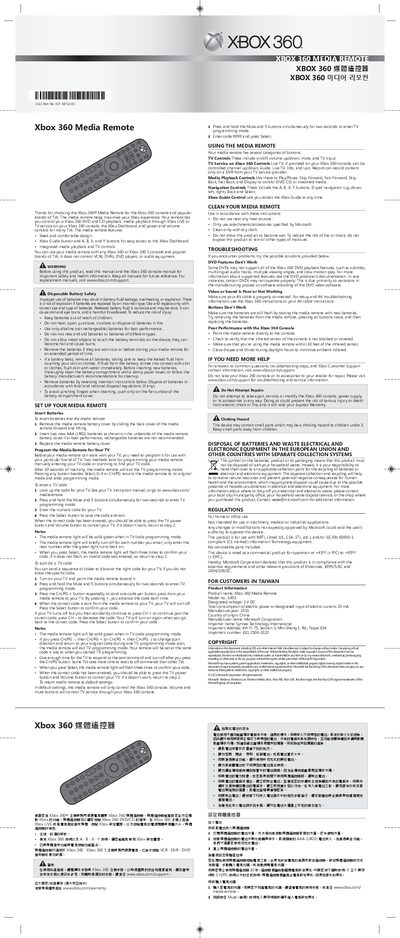
This manual explains how to install batteries, program the remote for your TV, and use its various controls for Xbox 360 media playback and TV functions. It also covers safety warnings, cleaning instructions, and regulatory information.
The remote works with all Xbox 360 and Xbox 360 S consoles and compatible televisions, providing power, volume, channel, and navigation controls, as well as Xbox Guide access.
| Designated voltage | 3 V DC |
|---|---|
| Manufacture year | 2011 |
| Country of origin | China |
Remove the battery cover, insert two AAA (LR03) batteries as shown, and replace the cover.
Press and hold the Mute and 5 buttons for two seconds to enter TV programming mode, then enter the TV code and press Select.
Enter TV programming mode (Mute + 5), then enter code 9999 and press Select.
Use alkaline (non‑rechargeable) AAA batteries for best performance.