
HMS IPconfig is a Windows-based tool for configuration of TCP/IP settings in HMS devices. IPconfig will detect all compatible and active HMS devices on the local network. The devices do not have to be on the same Ethernet subnet as the computer running IPconfig.
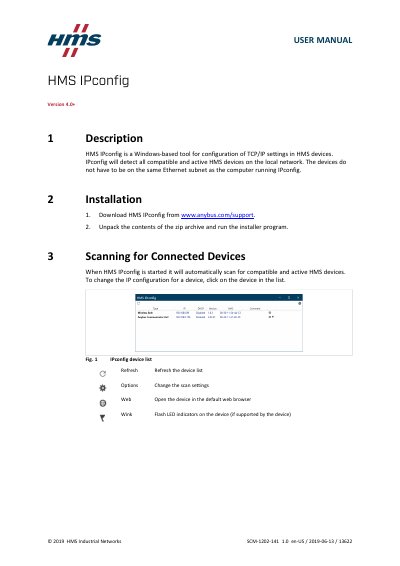
HMS IPconfig Version 4.0+ is a Windows-based tool from HMS Industrial Networks for configuration of TCP/IP settings in HMS devices. It detects all compatible and active HMS devices on the local network; the devices do not have to be on the same Ethernet subnet as the computer running IPconfig.
The manual covers installation, scanning for connected devices, device configuration, IP and DNS configuration, password setup, comments, version information and scan settings. It also describes refreshing the device list, opening a device in a web browser and using the Wink function where supported.
| Platform | Windows-based |
|---|---|
| Configuration | TCP/IP settings |
| Device discovery | All compatible and active HMS devices |
| DHCP support | Manual or dynamic IP and DNS configuration using DHCP |
| Default scan setting | All network interfaces |
No. The manual states that the devices do not have to be on the same Ethernet subnet as the computer running IPconfig.
Check the scan setting and change it to Scan using all Network Interface Controllers, then refresh the device list.
No. The comment can be used for easier identification, but it is not uploaded to the device.
Check the Change password box, enter the current password in the Password field, then enter the new password in the New password field.