
Reference guide for the HMS Flexy device covering configuration parameters, web interface, system setup, and features.
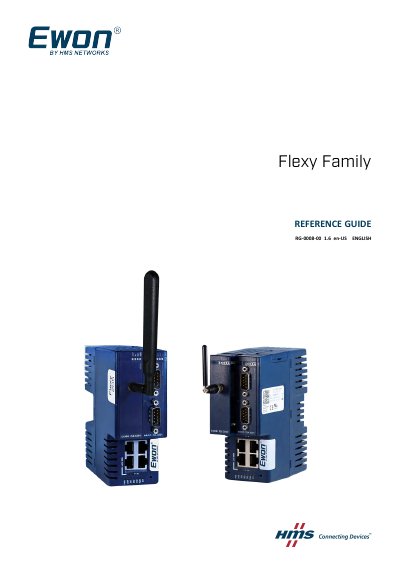
The Flexy Reference Guide provides detailed information on all configuration parameters of the Ewon Flexy, including the web interface, system setup, and advanced features such as transparent forwarding, alarms, and diagnostics. It is intended for users who need to understand and customize the device for their specific applications.
The guide is organized into sections covering first access, general overview of the web interface, Home section status displays, Tags configuration, diagnostic logs, and setup wizards for system, internet, VPN, and gateway. Appendices describe SMS recipient syntax and configurable fields for email and SMS notifications.
| Default IP address | 10.0.0.53 |
|---|---|
| Default login username | adm |
| Default login password | adm |
| Default LAN IP/Mask | 10.0.0.53/255.255.255.0 |
The factory default username is adm and the password is adm.
Change the Language parameter in the comcfg.txt file via Setup > System > Storage > Tabular Edition > Edit COM cfg, then reboot the device.
The serial number is displayed in the Home section footer under System Information.
The default LAN IP address is 10.0.0.53 with subnet mask 255.255.255.0.