
This is a PDF document about the installation guide of fanvil i16v video intercom, which introduces the product's physical appearance, key functions, interface description, installation steps, etc.
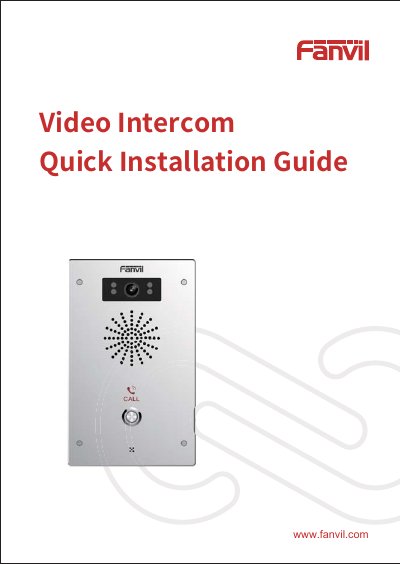
This guide explains how to install the Fanvil i16V video intercom, including mounting, wiring, and network setup. It covers connecting power and network cables, configuring SIP accounts, setting DSS keys, and configuring security features like input/output detection and tamper alerts. The device supports 10/100M Ethernet and can be configured via web interface or DSS key operations for IP address discovery.
| Dimensions | 195 x 120 x 34 (mm) |
|---|---|
| Ethernet Interface | 10/100M adaptive |
| Power Input | 12V/1A |
The default username and password are both 'admin'.
Set the SIP server address, port, username, password, and SIP user, then enable registration and click Apply.