
This article describes how to use OneDrive to store files, create and edit files.
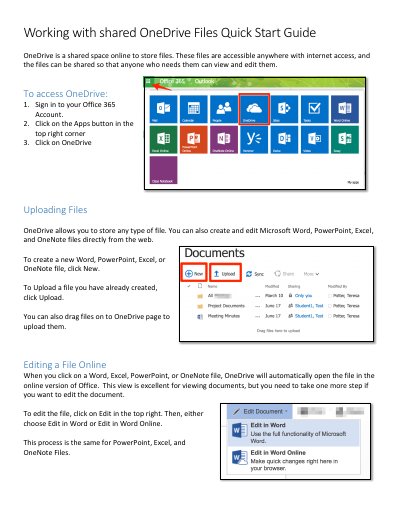
This guide explains how to access and use OneDrive to store files online. You can upload, create, and edit Microsoft Office documents directly from the web. Files can be shared with others for viewing or editing, and shared files can be accessed via email links or the OneDrive interface.
The guide covers signing in, uploading files, editing documents online, sharing files with permissions, and accessing shared files.
Sign in to your Office 365 Account, click the Apps button, then click OneDrive.
Yes, click Edit in the top right after opening a file to edit it in Word Online, PowerPoint Online, Excel Online, or OneNote Online.