
This is a user manual for the Canon iR2270F multifunction printer, which introduces how to install, connect and set up the machine.
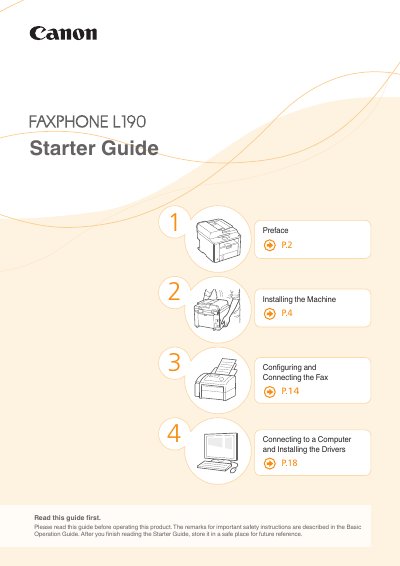
This manual provides step-by-step instructions for installing and configuring the Canon FAXPHONE L190. It includes details on unpacking, loading paper, installing toner, connecting to a computer, and using the included software. The guide also explains how to enter text and contact support if needed.
The manual is divided into sections: Starter Guide, Basic Operation Guide, and e-Manual. It includes safety warnings, troubleshooting tips, and contact information for Canon support centers worldwide.
The box includes a machine unit, handset, cradle, telephone cable, power cord, User Software CD-ROM, speed dial label, limited warranty notice, registration card, pin, clamp, and small size paper guide.
The included cartridge can print an average yield of 1,000 sheets.
The default setting is for uppercase letters.
The phone number is 1-800-OK-CANON.