
Canon MF4890dw/MF4880dw Basic Operation Guide

This is a basic operation guide that introduces the common use and basic functions of the copy, fax, and print functions
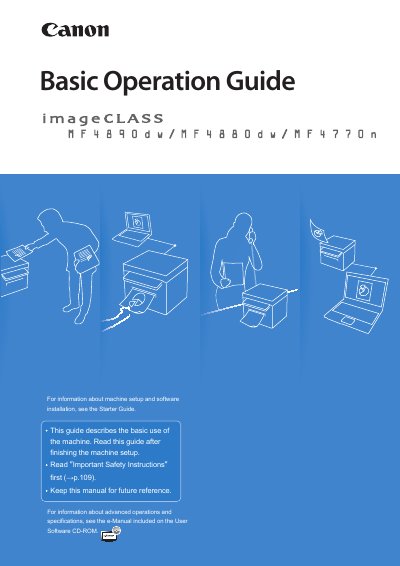

Canon MF4890dw/MF4880dw Basic Operation Guide - cover page
Brand
Canon
Category
Printer
Document type
User Manual
Language
English
Pages
116
File format
PDF
File size
6.9 MB
Published
21 October, 2023
Updated
21 October, 2023
MD5 checksum
EA364D5C02D4AAAC65B75E77D5D26B0B

About this manual

This Basic Operation Guide describes the common use and basic functions of the Canon imageCLASS MF4890dw and MF4880dw all-in-one machines, covering copy, fax, and print operations. It is intended to be read after completing the initial machine setup described in the Starter Guide.

What's inside

  • Learn the Names and Functions of Each Part of the Machine
  • Switch to Copy/Fax/Scan Mode
  • Load Paper in the Paper Cassette
  • Make a Basic Copy
  • Print a Document
  • Register Numbers in the Address Book
  • Scan a Document with the Operation Panel
  • Clean the Machine
  • Check and Replace Toner Cartridges
  • Clear Jams

Frequently asked questions

What is the purpose of the Basic Operation Guide?

This guide describes the basic use of the machine and common use of copy, fax, and print functions.

When should a user read this guide relative to machine setup?

Users should read this guide after finishing the machine setup.

Which manual should be read first for safety information?

The Important Safety Instructions section on page 109 must be read first.

Download PDF (6.9 MB)

More Canon Manuals


View all Canon manuals →