
Canon FAXPHONE L100 Basic Operation Guide

This PDF file is the user manual of Canon multi-function printer, which introduces the machine setup, installation and use methods.
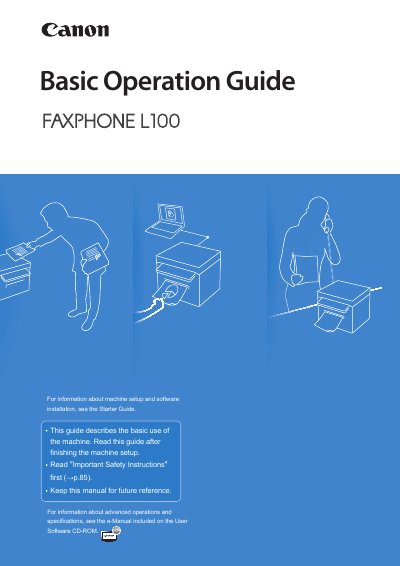

Canon FAXPHONE L100 Basic Operation Guide - cover page
Brand
Canon
Category
Printer
Document type
User Manual
Language
English
Pages
96
File format
PDF
File size
6.1 MB
Published
21 October, 2023
Updated
21 October, 2023
MD5 checksum
6FD831B0A8A4A0EF834E66BC5D5AEAE9

About this manual

This guide explains how to use the Canon FAXPHONE L100 for basic copy, fax, and print operations. It includes instructions for setting up the machine, loading paper and documents, adjusting image quality, sending and receiving faxes, and performing maintenance. The guide also references additional resources like the Starter Guide and e-Manual for advanced features and software installation.

What's inside

  • Learn the Names and Functions of Each Part of the Machine
  • Learn the Functions of the Operation Panel
  • Switch between Copy and Fax Mode
  • Enter Text
  • Set Date and Time
  • Load Documents in the Feeder
  • Load Paper
  • Copy
  • Print
  • Fax

Frequently asked questions

What is the FAXPHONE L100 used for?

It is used for copy, fax, and print functions.

What does the Basic Operation Guide cover?

It describes common use and basic functions of the copy, fax, and print functions.

Where is the e-Manual located?

It is included on the User Software CD-ROM.

What should users read before using the machine?

Read the Starter Guide before using the machine.

Download PDF (6.1 MB)

More Canon Manuals


View all Canon manuals →