
This document is a user manual for Versa 3 watch
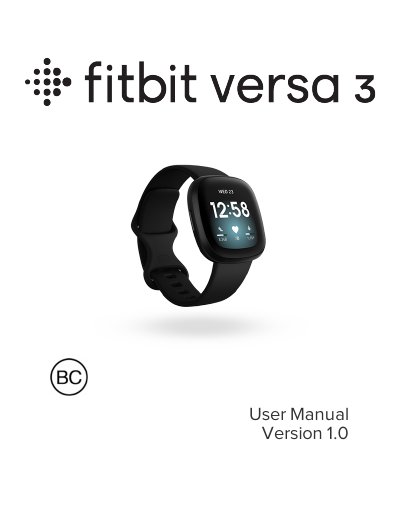
This manual guides you through setting up your Fitbit Versa 3, including charging, connecting to Wi-Fi, syncing with the Fitbit app, and using features like heart rate tracking and sleep monitoring. It also covers app management, music control, Fitbit Pay, and troubleshooting common issues. The watch includes built-in GPS, 20+ exercise modes, and a 6+ day battery life.
For care and maintenance, the guide explains how to change bands, adjust settings, and manage notifications. It also includes safety and regulatory information for various regions, including battery warnings and vision usage guidelines.
| Battery Life | 6+ days |
|---|---|
| Sensors | 3-axis accelerometer, altimeter, built-in GPS + GLONASS, multi-path optical heart rate tracker, device temperature sensor, ambient light sensor, microphone, speaker, vibration motor |
| Display | Not specified in text |
| Band Size | Not specified in text |
| Wireless Technology | Bluetooth, Wi-Fi (WEP, WPA personal, WPA2 personal) |
Plug the charging cable into a USB port on your computer, a UL-certified USB wall charger, or another low-energy charging device. Hold the other end near the back port until it attaches magnetically. Charging fully takes about 1-2 hours.
Yes, Versa 3 can connect to open, WEP, WPA personal, and WPA2 personal Wi-Fi networks. It cannot connect to 5GHz, WPA enterprise, or public Wi-Fi networks that require more than a password.
Do not disassemble, puncture, or damage the device or battery. Do not remove or try to remove the battery that the user cannot replace. Do not expose the battery to flames, explosions, or other hazards. Do not use sharp objects to remove the battery.
Charging fully takes about 1-2 hours.