
Official user guide for the Fitbit Luxe fitness and wellness tracker, covering setup, charging, navigation, activity tracking, sleep analysis, and…
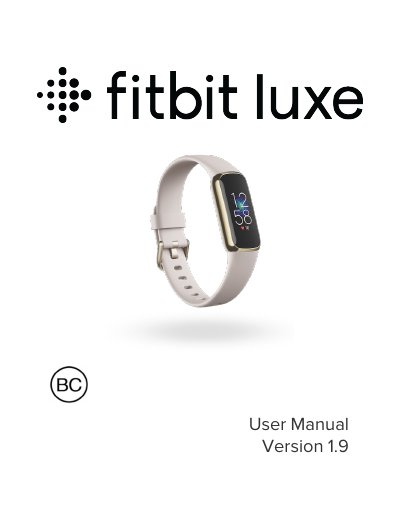
This manual provides instructions for setting up the Fitbit Luxe with the Fitbit app on iOS or Android devices. It details how to charge the device using a magnetic cable, which offers up to 5 days of battery life per full charge taking approximately 1-2 hours.
The guide explains how to navigate the tracker's interface, customize clock faces and apps, and manage notifications from connected phones. It also covers features for tracking daily activity goals, sleep patterns, stress levels, and heart rate zones.
| Battery life | up to 5 days |
|---|---|
| Charging time | 1-2 hours |
Plug the charging cable into a USB port and hold it near the tracker until it attaches magnetically. A fully charged tracker shows a solid battery icon.
You need the Fitbit app installed on an iPhone, iPad, or Android phone to connect Luxe to your account.
Yes, you can answer or reject incoming phone calls directly from the device.