
This is a Fitbit Inspire HR user manual, which includes product usage methods, function introduction, setup tutorial and other content.
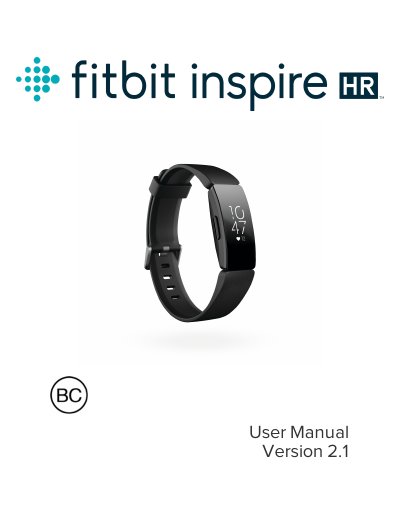
The Fitbit Inspire HR is a friendly heart-rate and fitness tracker designed to help users build healthy habits. The device tracks daily activity, sleep patterns, and heart rate zones, syncing data automatically via Bluetooth to the free Fitbit app on iOS, Android, or Windows 10 devices.
To get started, charge the tracker using the included magnetic cable until a solid battery icon with a smile appears. Once charged, pair the device with your smartphone or PC through the Fitbit app to create an account and begin tracking your stats. The manual also covers how to customize settings, change wristbands, and troubleshoot common issues like missing heart-rate signals.
| Wireless Technology | Bluetooth 4.0 radio transceiver |
|---|---|
| Battery Type | Rechargeable lithium-polymer battery |
| Charging Time | 1-2 hours for full charge |
A full charge typically takes between 1 and 2 hours.
Yes, you can use a Bluetooth-enabled Windows 10 PC to set up and sync the tracker.