
Key facts
- Brand
- Fitbit
- Model
- Versa 3
- Documents
- 2
- Languages
- EN · ES
- Last added
- 2023-10-21
Start here
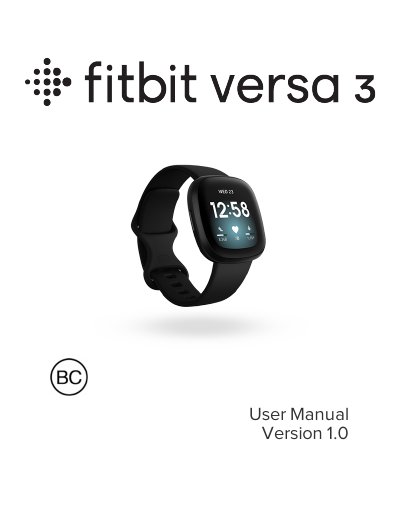
Fitbit Versa 3 User Manual
This manual guides you through setting up your Fitbit Versa 3, including charging, connecting to Wi-Fi, syncing with the Fitbit app, and using features like heart rate tracking and sleep monitoring. It also covers app management, music control, Fitbit Pay, and troubleshooting common issues. The watch includes built-in GPS, 20+ exercise modes, and a 6+ day battery life.
For care and maintenance, the guide explains how to change bands, adjust settings, and manage notifications. It also includes safety and regulatory information for various regions, including battery warnings and vision usage guidelines.
Fitbit Versa 3 specifications
| Battery Life | 6+ days |
|---|---|
| Sensors | 3-axis accelerometer, altimeter, built-in GPS + GLONASS, multi-path optical heart rate tracker, device temperature sensor, ambient light sensor, microphone, speaker, vibration motor |
| Display | Not specified in text |
| Band Size | Not specified in text |
| Wireless Technology | Bluetooth, Wi-Fi (WEP, WPA personal, WPA2 personal) |
Source: Fitbit Versa 3 User Manual
All Fitbit Versa 3 documents by type
Day-to-day operation, settings and troubleshooting. Start here if the product is already set up.
Questions answered in these manuals
How do I charge my Fitbit Versa 3?
Plug the charging cable into a USB port on your computer, a UL-certified USB wall charger, or another low-energy charging device. Hold the other end near the back port until it attaches magnetically. Charging fully takes about 1-2 hours.
Can I connect my Versa 3 to Wi-Fi?
Yes, Versa 3 can connect to open, WEP, WPA personal, and WPA2 personal Wi-Fi networks. It cannot connect to 5GHz, WPA enterprise, or public Wi-Fi networks that require more than a password.
How do I charge the Versa 3?
Connect the USB cable to a computer, USB wall charger, or low-power device. Align the magnetic end with the back port and press until it clicks. The watch will show battery level during charging.
How do I set up Versa 3?
Use the Fitbit app on iPhone or Android to configure the watch. Download the app, sign in with Google, and follow on-screen instructions.