
This is a Fitbit Alta HR user manual, which introduces how to set up, use and maintain Fitbit Alta HR bracelet
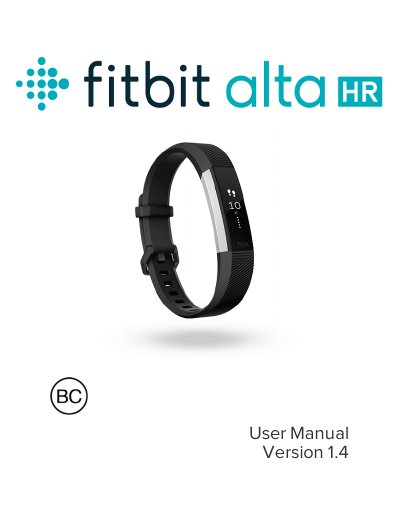
The Fitbit AltaHR is a heart rate wristband designed to motivate users to reach their goals. This manual covers the complete setup process, including charging the device, pairing it with smartphones, tablets, Windows 10 PCs, or Macs using the Fitbit app or Fitbit Connect software. It also explains how to create a Fitbit account and sync data to the dashboard to track progress, analyze historical data, and identify trends. The guide details how to wear the device, navigate its interface, and customize settings such as clock faces, heart rate zones, and notifications.
| Sensors | MEMS 3-axis accelerometer, optical heart rate tracker |
|---|---|
| Wireless Technology | Bluetooth 4.0 |
| Battery Type | Rechargeable lithium-polymer |
| Charging Time | 1 to 2 hours |
Plug the charging cable into a USB port on your computer or a UL-certified USB wall charger, then clip the other end to the port on the back of the tracker until it vibrates.
Yes, you can use a Bluetooth-enabled Windows 10 PC with the Fitbit app or a Bluetooth-enabled Mac with the Fitbit Connect software.