
This manual provides instructions for setting up, using, and maintaining the Fitbit Charge HR fitness tracker, including heart rate monitoring and data syncing.
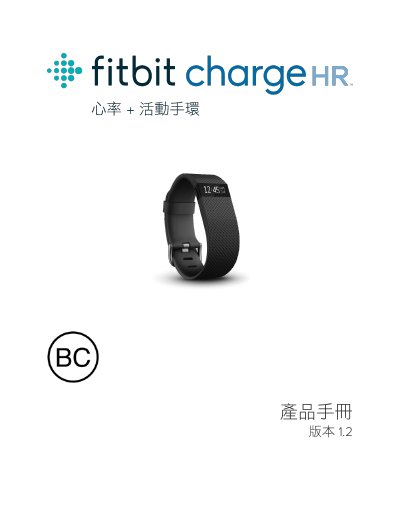
This user manual guides you through the initial setup of the Fitbit Charge HR tracker, including pairing it with mobile devices or computers via the Fitbit app or Fitbit Connect software. It covers creating a Fitbit account and syncing your activity data to view detailed statistics and historical trends on fitbit.com or within the app.
The guide details how to wear the tracker for optimal heart rate accuracy, how to charge the device, and how to use its automatic tracking features for all-day activity, exercise, and sleep. It also explains how to customize heart rate zones, set daily activity goals, and manage notifications for incoming calls. This manual is written in Chinese.
| Document Version | 1.2 |
|---|
You can set up the tracker using the Fitbit app on a compatible mobile device or by installing the Fitbit Connect software on a PC.
You should wear it on your wrist, flat and about one finger width below the wrist bone, similar to wearing a watch.
Use the included charging cable to connect the tracker to a power source.