
This is the user manual for the ERSA i-CON nano intelligent soldering station. The product has an automatic temperature adjustment function and can adjust the temperature according to different process requirements.
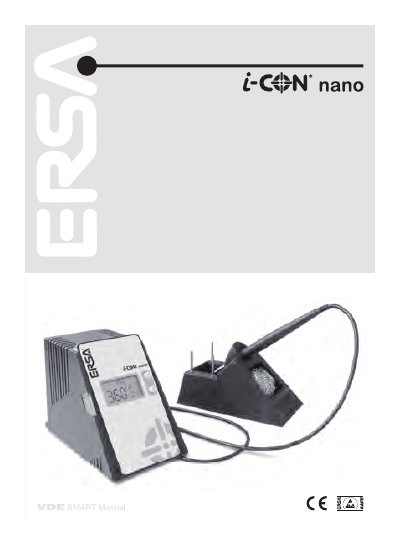
This manual provides instructions for the commissioning and operation of the ERSA i-CON nano soldering station. It details the scope of delivery, safety precautions, and step-by-step procedures for setting up the device and using it for soldering tasks. The document explains how to adjust the temperature, change soldering tips, and perform temperature calibration to ensure accuracy.
| Weight (Iron) | 30 g (without cable) |
|---|
The default value is 360 °C / 680 °F.
The temperature can be adjusted between 150 and 450 °C (300 to 842 °F).
Screw the new tip onto the knurled section of the soldering iron and check for correct fit.
Insert the heating element and press the key.