
Minnesota State ELM Assigned Program Completion Guide

This document describes how to use the ELM system to complete assigned employee training programs
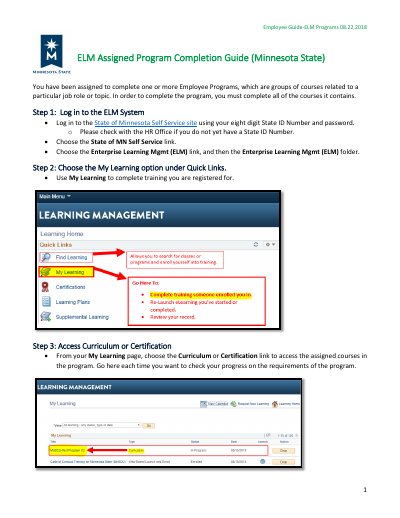

Minnesota State ELM Assigned Program Completion Guide - cover page
Category
Other software
Document type
Other
Language
English
Pages
3
File format
PDF
File size
375 KB
Published
21 October, 2023
Updated
21 October, 2023
MD5 checksum
0E130A7D95F8B33E1A48FCF9621DB527

About this manual

This document serves as an employee guide for the Minnesota State ELM Assigned Program Completion Guide, dated August 22, 2018. It outlines the steps required to log in to the State of Minnesota Self Service site and navigate to the Enterprise Learning Management (ELM) system to access assigned courses.

What's inside

  • Log in to the ELM System
  • Choose the My Learning option
  • Access Curriculum or Certification
  • Complete Required Courses
  • Launching Enrolled or In-progress eLearning
  • Technical Troubleshooting

Frequently asked questions

What is required to complete an ELM Assigned Program?

You must complete all of the courses contained within the assigned program groups.

How do I launch a course that is not yet enrolled?

Click the Launch button on the program link to initiate courses with the status of Not Enrolled.

What should I do if I experience technical issues with the ELM system?

Contact the [email protected] with your questions.

Download PDF (375 KB)

Also Manuals