
This is a HP printer user manual, which introduces the use of the printer.
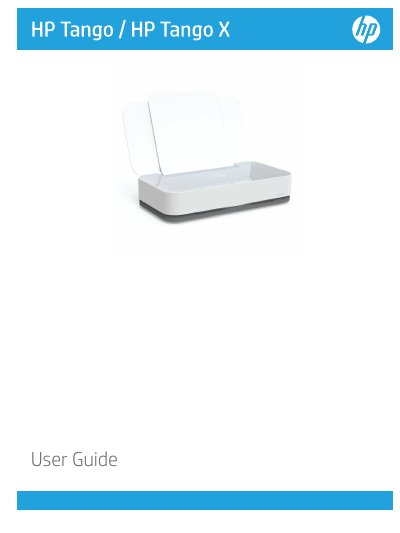
This document serves as a comprehensive user guide for HP printers, covering the entire user journey from initial setup to daily operation and maintenance. It details how to use the HP Smart app and Windows software to manage print, copy, and scan functions, as well as how to connect the printer to various networks and devices. The guide also includes specific instructions for loading media, managing ink cartridges, and utilizing features like Quiet Mode and Auto-Off.
| Operating temperature range | 15°C to 30°C (59°F to 86°F) |
|---|---|
| Allowable operating temperature range | 5°C to 40°C (41°F to 104°F) |
| Input tray capacity | Up to 50 plain paper sheets |
| Output tray capacity | Up to 20 plain paper sheets |
| Print method | Drop-on-demand thermal inkjet |
Go to 123.hp.com and follow the onscreen instructions to access your device's app store.
The recommended operating temperature range is 15°C to 30°C (59°F to 86°F).
The input tray can hold up to 50 plain paper sheets.