
This is the user manual for the Philips VTR8400 VoiceTracer video recorder. It introduces the product's features, usage methods, common problems, etc.
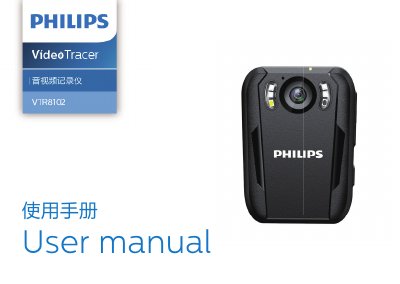
This user manual introduces the Philips VTR840 VoiceTracer audio-video recorder, detailing its features such as one-touch recording and video, wide-angle lens, and dual filter switch. It explains how to power on and off, charge the device, and connect it to a computer for data transfer. The guide also covers various recording modes including video, photo, and voice, as well as settings for audio, video, and system configurations. This manual is written in Chinese.
| External Memory | Up to 256GB |
|---|---|
| Recording Time Reference | About 290 hours (16GB) |
| Internal Storage Type | C10 TF card |
| Dimensions | 56x78x25 mm |
| Weight | 110g (with battery) |
| Voice Recording Format | MP3 |
| Operating Temperature | -30°C ~ 55°C |
It takes about 4 hours to fully charge when turned off, and about 6 hours when turned on.
The device supports external memory cards with a maximum capacity of 256GB.
In dark environments, press and hold the recording key to turn on the infrared light for night vision mode.