
A guide for Computer Interface Module (CIM) usage for Dominion KX III
This guide explains how to use Computer Interface Modules (CIMs) with the Dominion KX III, including supported models and features. It details compatibility with various CIM types such as VGA-based and digital video CIMs, virtual media support, and absolute mouse synchronization. The guide also covers usage for blade servers and specific server OS support.
It includes setup instructions for USB connectors, switch settings for different OS types, and recommended CIM usage based on video type and server requirements. Advanced features like Smart Card support and tiering are also addressed, along with limitations for certain operating systems and BIOS implementations.
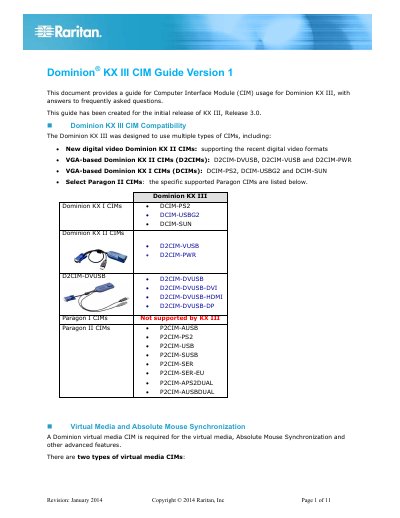
The Dominion KX III supports multiple CIM types including new digital video CIMs, VGA-based KX II and KX I CIMs, and select Paragon II CIMs.
A USB server port is required, and the OS must support this technology. Microsoft Windows and Mac servers support this, but not UNIX, SUN and Linux.
Dual-USB CIMs such as D2CIM-DVUSB and D2CIM-DVUSB-XXX support virtual media at the BIOS level, including for audio, tiering and Smart Cards.
The default is 1280x1024@60hz, but this can be changed by the user on the Port Configuration Page for each port.