
This document is the user guide for the filter wheel, which introduces the function characteristics, installation method, control method and other contents of the filter wheel
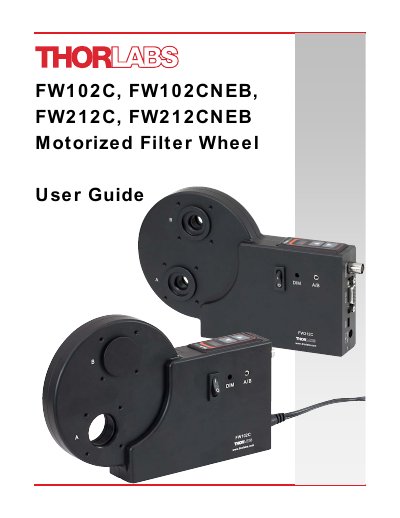
This manual provides instructions for the Thorlabs FW102C, FW102CNEB, FW212C, and FW212CNEB motorized filter wheels. These high-precision, motor-driven devices are designed for applications such as color CCD photography, fluorescence microscopy, and photometry. The guide details features including automated computer control, external triggering, and bidirectional controls.
| Wheel Size | Ø4" |
|---|---|
| FW102C Filter Capacity | 6-Position for Ø1" Filters |
| FW212C Filter Capacity | 12-Position for Ø1/2" Filters |
| Accuracy | greater than ±1° |
| Input Voltage Rating | 90-264 VAC, 47-63 Hz |
| Max Voltage Input | 12.6 V DC |
| Max Current Input | 2.08 A |
The unit has two aperture locations labeled A and B for the 0° (12 o'clock position) and 210° (7 o'clock position), respectively.
Pushing the ▲ / ▼ arrow buttons on the top of the unit will adjust the filter location.
Yes, the unit may be remotely triggered by applying an active low pulse to the BNC trigger input.