
The manual explains how to install, configure, operate, and analyse data with the Thorlabs Optical Power Monitor (OPM) GUI software.
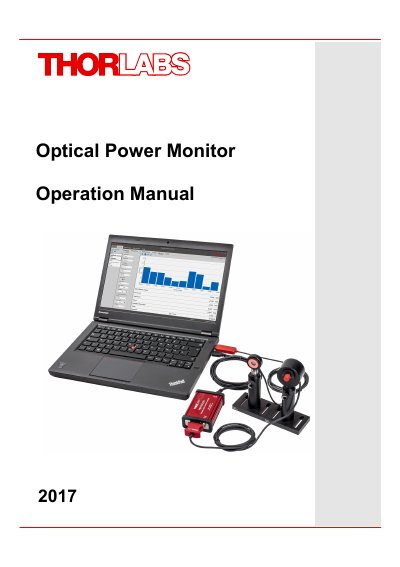
The Optical Power Monitor (OPM) is a graphical user interface that simplifies the use of Thorlabs power meters. It can control up to eight meters simultaneously, log data continuously, and provide real‑time statistics and visualisation tools. The software runs on Windows PCs and supports multiple languages and sensor types.
The manual covers PC hardware and software requirements, step‑by‑step installation, detailed description of the GUI menus (File, Devices, Settings, Monitoring, Data Viewer, Help), device management, logging formats, troubleshooting, and how to develop custom applications using the provided instrument driver.
| Maximum Simultaneous Meters | 8 |
|---|---|
| CPU Requirement | 2.4 GHz or faster |
| RAM Requirement | Minimum 2 GB |
| Graphics Resolution | Minimum 1024 × 768 pixels |
| USB Interface | USB 2.0 port |
| .NET Framework | Microsoft .NET 4.6.1 or later |
| DirectX Version | DirectX 9 or higher |
The OPM can monitor up to eight Thorlabs power meters in parallel.
Microsoft .NET Framework version 4.6.1 or later and DirectX 9 or higher are required.