
Fitbit Surge User Manual, introduces how to set up the watch and use the watch's functions, including GPS positioning, heart rate monitoring, step counting, sleep monitoring, etc.
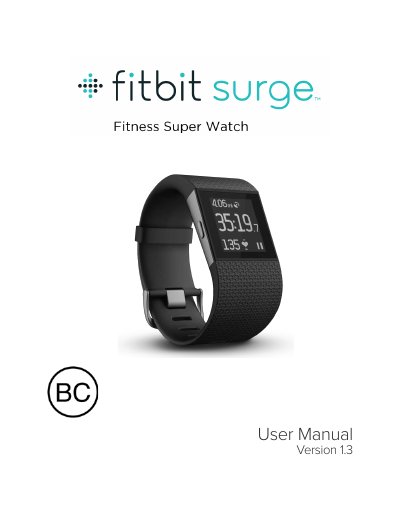
This document is the User Manual for the Fitbit Surge, a high-performance fitness tracker. It guides users through the initial setup process, including creating a Fitbit account and pairing the device with a mobile device or PC using the wireless sync dongle. The manual details how to use the tracker for all-day wear, exercise tracking, and monitoring sleep and heart rate.
| Battery Type | Rechargeable lithium-polymer battery |
|---|---|
| Memory Storage | 7 days of detailed minute-by-minute information and 30 days of daily summaries |
| Display Type | Touch screen, monochrome LCD with backlight |
A mobile device is required for key features such as notifications, music control, and GPS, but you can set up and sync the tracker on a PC if you do not have a compatible mobile device.
You must use the wireless sync dongle that came in the box with your Surge to sync the tracker data to your PC.
For all-day wear, the tracker should rest a finger's width below your wrist bone and lay flat as you would normally wear a watch.