
This document provides the firmware upgrade guide for D-Link DIR-850L router, including download firmware, backup firmware and upgrade firmware steps.
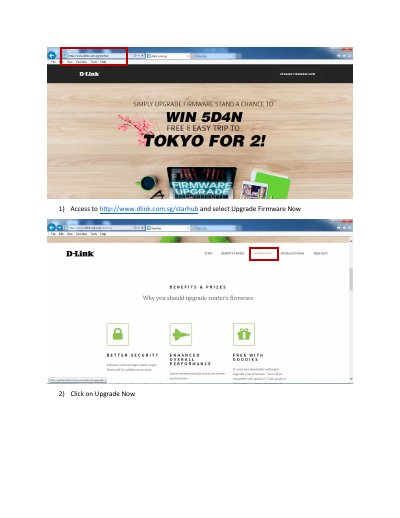
This document serves as a guide for upgrading the firmware on the D-Link DIR-850L router. It outlines the necessary preparation steps, including connecting a desktop or laptop to the router via an Ethernet cable and ensuring a stable connection. The guide emphasizes the importance of using a wired connection rather than wireless during the upgrade process to prevent interruption.
The procedure involves downloading the specific firmware file from the D-Link support website, extracting the compressed archive, and accessing the router's web interface. Users are instructed to navigate to the Tools > Firmware section, browse for the downloaded file, and initiate the upload. The guide also notes that some firmware upgrades may reset configuration options to factory defaults and suggests upgrading the language pack simultaneously to ensure correct display of new features.
You must use an Ethernet cable to connect your computer to the router; do not use a wireless connection.
Users must not power off the device while it is updating, as the process takes a while and involves a reboot.
Yes, some firmware upgrades reset the configuration options to the factory defaults, so users should save their current configuration first.