
This document is the user manual of D-Link DIR-868L wireless router, which mainly introduces the functions and features of the router, installation methods, configuration methods, etc.
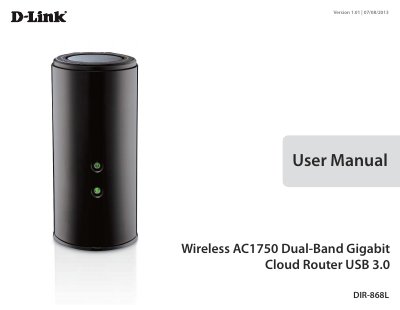
The D-Link DIR-868L is a Wireless AC1750 Dual-Band Gigabit Cloud Router equipped with four Gigabit ports and USB 3.0 support. It utilizes 802.11ac (draft) technology with intelligent antennas to maximize wireless speed and range, outperforming standard 802.11n devices. The router supports concurrent 802.11ac and 802.11n clients on both 2.4 GHz and 5 GHz bands to separate traffic for high-bandwidth activities like video streaming and gaming.
| Wireless Standard | 802.11ac (draft), n, g, b |
|---|---|
| Maximum Wireless Speed | Up to 1750Mbps |
| Ports | Four Gigabit ports |
| USB Support | USB 3.0 |
| Operating Systems | Windows, Macintosh, Linux |
You need a computer with Windows, Macintosh, or Linux, an Ethernet adapter, and a compatible browser like Internet Explorer 7+, Firefox 3.5+, Safari 4+, or Chrome 8+.
Yes, the DIR-868L is fully compatible with 802.11n, 802.11g, 802.11b, and 802.11a wireless devices.
Insert a paperclip into the Reset Button hole and wait for several seconds.