
This manual describes the features and usage of the Sarix IXP Series Indoor Box, including product overview, installation and connection, administration and configuration.
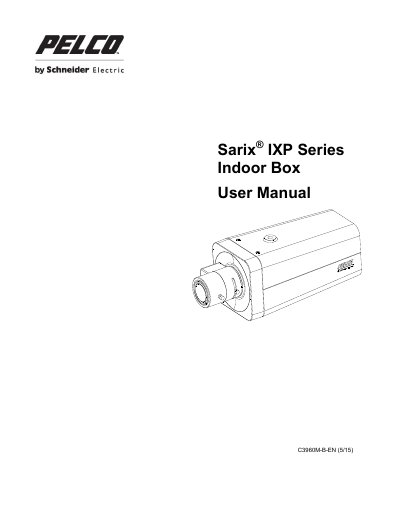
This manual serves as a reference for the installation and operation of the Pelco C3960M-B Sarix IXP Series Indoor Box. It provides detailed instructions on unpacking, physical installation, and connecting the device to a network. The guide also explains how to access the administration menu for live viewing, settings, and user management.
| Network Port | RJ-45 |
|---|---|
| Mounting Screw | 1/4"-20 |
Hold down the reset button longer than 5 seconds using a small tool like a paper clip.
The manual references a section for the default IP address but does not state the specific value in the provided text.