
This is a humidity/temperature data logger product manual
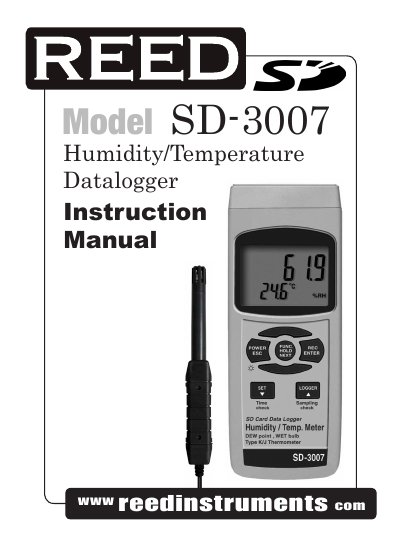
This manual guides users through operating the SD-3007 Humidity/Temperature Datalogger, including selecting measurement modes like Dew Point or Wet Bulb, using the built-in SD card for data logging, and adjusting settings such as sampling time and decimal format. It also explains how to connect to a computer for data transfer and manage battery power.
The device features a custom microprocessor, LCD display with backlight, and supports Type K/J thermocouples. It can log data with auto or manual datalogging, record max/min values, and includes options for setting time, beeper, and temperature units.
| Humidity Range | 5% to 95% RH |
|---|---|
| Temperature Range | 0 - 50°C, 32 - 122°F |
| Accuracy | ≥70% RH: ± (3% reading + 1% RH), < 70% RH: ± 3% RH |
| Sampling Time | 1, 2, 5, 10, 30, 60, 120, 300, 600, 1800, 3600 seconds |
| SD Card Capacity | 1 GB to 16 GB |
| Display | 52mm x 38mm LCD with backlight |
| Power Supply | UM3/AA (1.5 V) x 6 batteries |
| Weight | 515g/1.13lb |
| Dimensions | 177 x 68 x 45mm (7.0 x 2.7 x 1.9") |
Press and hold the Function Button to cycle through Humidity/Temperature, Dew Point, Wet Bulb, and Type K/J Thermometer modes.
Insert the SD card into the meter, then plug it into a computer. The data will download directly to Excel without needing extra software.
Accuracy is ± (3% reading + 1% RH) for readings ≥70% RH, and ±3% RH for readings <70% RH.
Go to Advanced Settings and select the decimal character format (dot or comma) for data downloaded to the SD card.