
This file is the instruction manual of REED ST-129 Wood Moisture Meter.
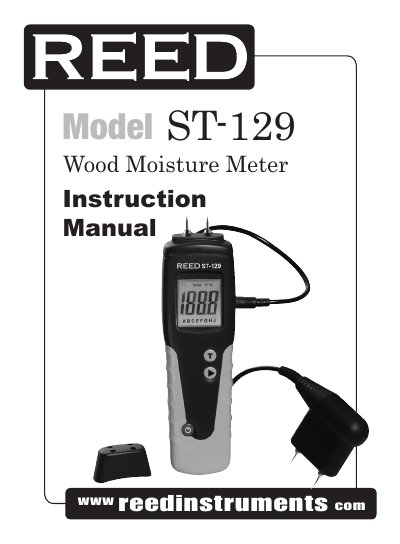
The REED Instruments ST-129 is a conductivity moisture meter designed for the timber industry. It features built-in moisture pins and an optional remote hand-press probe for measuring moisture content in various wood species. The device offers automatic temperature compensation when used with the included temperature probe to improve accuracy.
| Measuring Principle | Electrical resistance |
|---|---|
| Measuring Range | 6 to 99.9% MC |
| Accuracy | ±1% MC |
| Moisture Electrode | 8mm long replaceable contact pins |
| Temp. Compensation Range | -31 to 176°F (-35 to 80°C) |
| Power Supply | 2 x AAA batteries |
| Dimensions | 7 x 1.9 x 2" (180 x 50 x 31mm) |
| Weight | 6.1 oz (175g) |
The instrument is switched ON by pressing the button and switched OFF by pressing the button for approx 3 seconds.
Press the and buttons together, hold the button, and press the button to change the time from 1 to 9 minutes or disable it.
When checking calibration on the A scale, the instrument should register %H 2O values in the range 17.7 to 18.3.