
Describes the functions, features, specifications, operating instructions, safety instructions and other information of the R8080 sound level meter/data logger
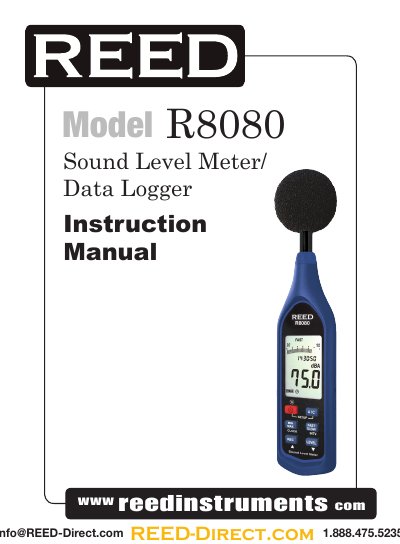
This manual provides operating instructions for the R8080 sound level meter and data logger, including setup, data logging, and calibration. It details features such as real-time clock, frequency weighting, and USB interface. Safety precautions and maintenance guidelines are also included.
| Frequency Range | 20Hz to 8KHz |
|---|---|
| Measuring Level Range | 30 to 130dB |
| Frequency Weighting | A / C |
| Resolution | Digital: 0.1dB Analog: 2dB |
| Sample Rate | Digital: 0.5 sec. Analog: 50 mS |
| Time Weighting | FAST and SLOW |
| Accuracy | ±1.4dB (under reference conditions at 94dB, 1KHz) |
| Data Logging Capacity | 64,000 records |
| Power Supply | 4 x AAA, NEDA 24A, IEC LR03 Batteries |
| Battery Life | Approx. 50hrs (alkaline battery) |
| Operating Temperature | 0 to 40°C (32 to 104°F) |
| Operating Humidity | 10 to 90%RH |
| Storage Temperature | -10 to 60°C (14 to 140°F) |
| Storage Humidity | 10 to 75%RH |
| Dimensions | 264 × 63 × 29mm (10.4 × 2.5 × 1.1") |
| Weight | Approx. 245g (8.8oz) |
Enter SETUP mode by pressing and holding the Setup Button and turning the meter on. Press the Clock Button to select the clock setting function, then use the Up and Down arrows to adjust the year, month, day, hour, minute, and second.
Turn the meter on, select the Response Time and Frequency Weighting, then press the Record Button to begin data logging. Press the Record Button again to stop.
While the meter is turned off, press and hold the Record Button, then press and hold the Power Button for 5 seconds. The LCD will display “CLr” and “SURE”, indicating the memory is cleared.
Approximately 50 hours with alkaline batteries.