
This document introduces the characteristics of the 8906 thermo-anemometer, including a one-handed integrated rotary vane sensor, simultaneous display of air velocity and temperature, up to 2 hours of continuous moving air velocity averaging measurement, display of minimum/maximum/average velocity and temperature values, multi-point averaging up to 8 points, calculate average velocity values in seconds, and selectable wind mode.
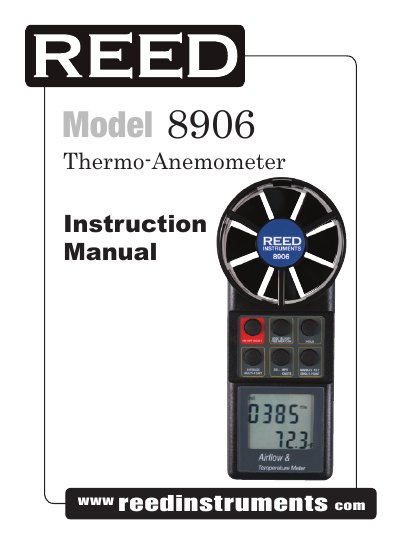
This manual explains how to operate the Reed Instruments 8906 thermo-anemometer, including single-point and multi-point air velocity measurements, continuous averaging, and unit selection. It also covers RS232 output configuration and battery replacement. The device features a rotary vane sensor, LCD display, and auto power-off after 20 minutes.
| Air Velocity Range | 80 to 6900 fpm; 0.4 to 35 m/s; 0.9 to 78 mph; 1.4 to 126 km/h; 0.8 to 68 knots |
|---|---|
| Resolution | 1 fpm; 0.01 m/s, 0.1 mph; 0.1 km/h; 0.1 knot |
| Accuracy | ±2% f.s. |
| Temperature Range | -10 to 50°C (14 to 122°F) |
| Resolution | 0.1 °C/°F |
| Accuracy | ±0.6°C (±1.2°F) |
| Power Supply | Single 9V battery |
| Battery Life | 400 hours |
| Dimensions | 183(L) x 76(W) x 45(D) |
| Vane Diameter | 70mm (2 7/8") |
The battery life is 400 hours.
The air velocity range is 80 to 6900 fpm; 0.4 to 35 m/s; 0.9 to 78 mph; 1.4 to 126 km/h; 0.8 to 68 knots.
After setting the default unit, press the Max. / Min. button to display "2400" (default baud rate), press Hold to change to "1200" or Average to change to "2400", then press Max. / Min. button to save and confirm with "S".