
This manual introduces the functions, specifications, operating instructions of R3030/R3100 digital pressure gauge.
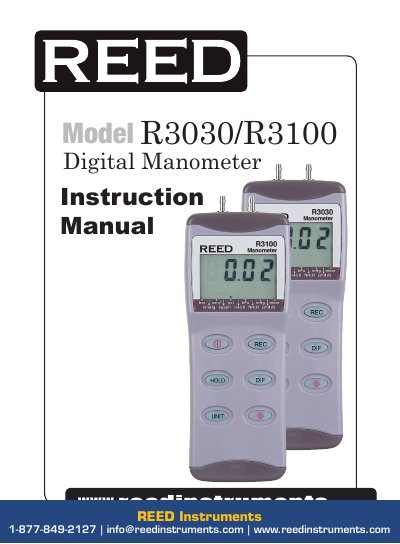
This manual provides instructions for operating the R3030 and R3100 digital manometers, including setting modes, calibration procedures, and troubleshooting common issues. The devices measure gauge and differential pressure with 11 selectable units. Features include auto power-off, real-time clock, and manual zero setting. Calibration is performed using a pressure source within specified ranges.
| Range | R3030: 0~30 psi; R3100: 0~100 psi |
|---|---|
| Accuracy | 0.3% of full scale at 25°C |
| Resolution | Model R3030: 0.02 psi; Model R3100: 0.1 psi |
| Operating Temperature | 0~50°C |
| Power Supply | Single 9V battery |
| Dimensions | 72 x 182 x 30 mm |
| Weight | Approx. 220 g (with battery) |
The display shows 'Err.1' and the meter may be damaged if used beyond its range.
Press and simultaneously before powering on to disable sleep mode. An 'n' will appear on screen.