
This manual describes the features and functions of the EIZO ColorEdge CS2740 monitor. It includes detailed instructions on setting up and adjusting the monitor, as well as how to use the remote control.
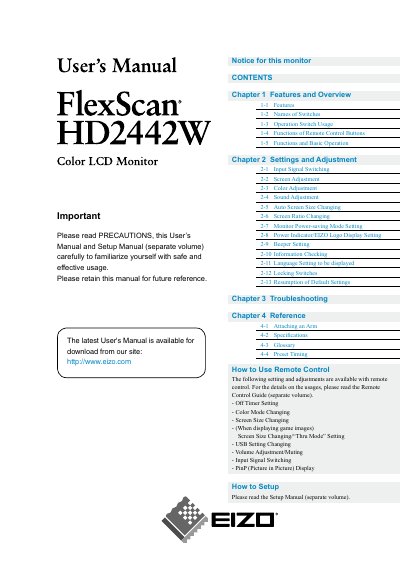
This User’s Manual describes the EIZO FlexScan HD2442W color LCD monitor. It covers the monitor’s features, switch names and operation, remote control button functions, input signal switching, screen and color adjustment, sound adjustment, power-saving settings, and troubleshooting.
Reference sections cover attaching an arm, specifications, glossary terms, and preset timing. The manual notes that a separate Setup Manual and Remote Control Guide are provided for setup and remote control details.
| Display size | 24” wide format LCD |
|---|---|
| Resolution | 1920 dots x 1200 lines |
| Video input connectors | HDMI connector x 2 (two input connectors) |
| USB ports | Upstream x 2, Downstream x 2 |
| Horizontal scan frequency (digital input) | 31.5 - 76 kHz |
| Vertical scan frequency (digital input) | 59 - 61 Hz |
| Effective pixels | 99.9994% or higher |
The manual lists a resolution of 1920 dots x 1200 lines.
It has two HDMI input connectors.
Adjust the monitor 30 minutes or more after the monitor power has been turned on.
Clean the LCD panel with a soft cloth such as cotton cloth or lens cleaning paper.