
This guide provides installation instructions, precautions, and setup steps for the EIZO SUGCG248-4K-5 LCD monitor.
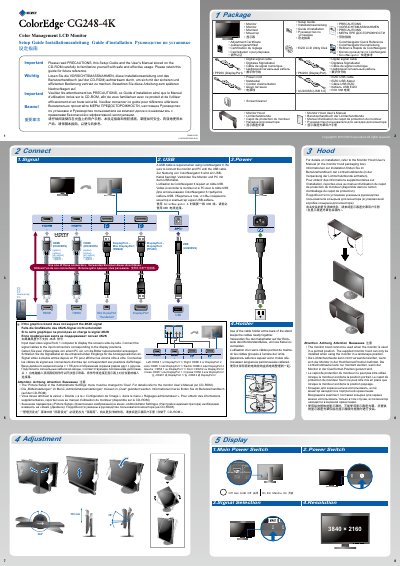
This document serves as a setup guide for the EIZO SUGCG248-4K-5 LCD Monitor. It outlines necessary precautions, lists included accessories such as cables and a hood, and provides instructions for connecting signal and power cables to the PC.
The guide details how to adjust the monitor's resolution settings and explains the procedure for using dual video input from a single computer. It also includes specific notes on installing the optional Monitor Hood and utilizing ColorNavigator 6 software. This manual is written in German.
The monitor supports a resolution of 3840 × 2160.
No, the hood cannot be used when the monitor is in a portrait position.
Yes, you must connect the monitor and PC with a USB cable.