
Newport XPS-D Controller User Interface Manual

This manual provides a detailed description of the XPS-D controller user interface functions and operations.
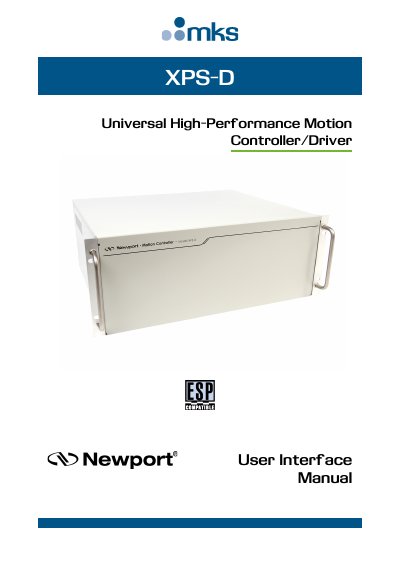

Newport XPS-D Controller User Interface Manual - cover page
Brand
Newport
Document type
User Manual
Language
English
Pages
51
File format
PDF
File size
8.3 MB
Published
19 October, 2023
Updated
19 October, 2023
MD5 checksum
5A3863DE23DB8CC72E785A13E3473B65

About this manual

This manual explains how to use the web-based interface of the Newport XPS-D motion controller. It covers user login options, system configuration, stage management, and front panel controls. The interface is accessible via a browser and supports both user and administrator roles. Special sections address HXP-ELEC-D controllers used with hexapods. The manual assumes prior reading of the Start-Up Manual and requires an Ethernet connection for operation.

What's inside

  • Introduction
  • User Interface Description
  • Controller – Users Management
  • Controller – IP Management
  • Controller – General Information
  • Controller – Terminal Configurator
  • Controller – TCL to API Builder
  • System – Error File Display
  • Stage – Add, Remove or Edit Stages
  • Stages – Tuning

Frequently asked questions

What are the login options for the XPS-D controller?

Users can log in as 'User' or 'Administrator'. Administrators can choose either role, while users can only log in with User rights.

What operating systems are supported for the web interface?

The XPS-D web interface is compatible with Windows 7 and above.

How do I create a new user account?

Click 'New Account', type in a login name, password, and role (User or Administrator), then click 'OK' to add the new access account.

Download PDF (8.3 MB)

More Newport Manuals


View all Newport manuals →