
This manual describes how to use the GUI for the Super Agilis Series CONEX-SAG controller, including installation, configuration, and usage.
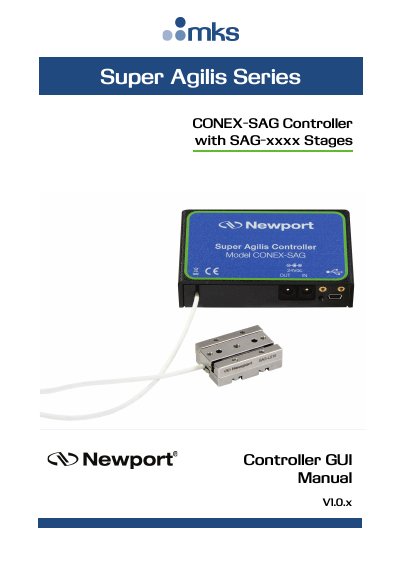
This manual provides instructions for using the graphical user interface (GUI) for the Newport CONEX-SAG Controller. The software allows users to interact with the controller connected to stages, enabling them to initiate moves, change controller states, and adjust parameters. It is designed to run on Windows 7, 8, and 10 platforms.
| Supported Operating Systems | Windows 7, 8 and 10 |
|---|---|
| Screen Compatibility | Standard PC screens only |
All necessary files can be obtained from the Newport website.
No, the GUI does not support smartphones or other non-standard screens.