
provide USB driver installation guide for connecting CONEX module and PC
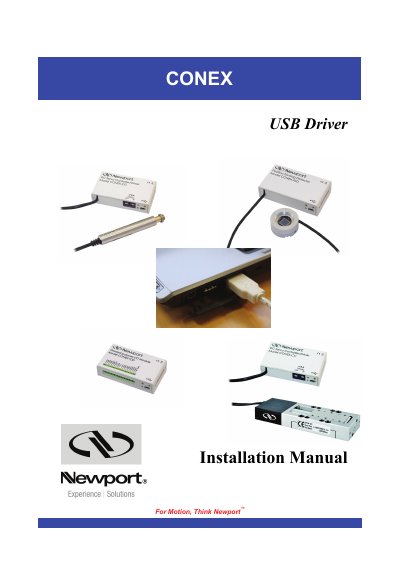
This manual provides instructions for installing the USB driver for Newport's CONEX motion controllers. It covers setup using USB cables, installation steps for Windows 7 and Windows XP, and verification through Device Manager. The guide includes troubleshooting tips and directs users to download drivers from the official Newport website if needed.
The document also includes a service form for returns and contact details for technical support and sales across North America, Asia, and Europe.
Open Device Manager, expand 'USB Bus controllers' and 'Ports (COM and LPT)', and confirm the presence of the 'Newport CONEX-xxx device' and its assigned COM port.
The USB Bus component is required by Windows to allow USB communication with any CONEX component.
The USB VCP component is required by Windows to allow serial port communication with any CONEX component.
One serial port is assigned to each Newport CONEX device.