
Newport DL Controller Series Command Interface Manual

This manual introduces how to use DLS .NET component in Visual Studio C#, LabVIEW, IronPython and Matlab to develop controller applications.
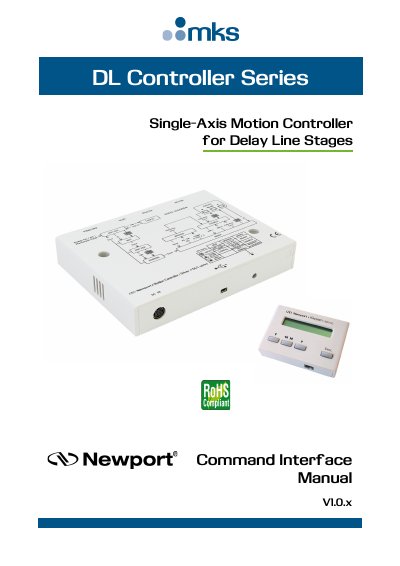

Newport DL Controller Series Command Interface Manual - cover page
Brand
Newport
Document type
User Manual
Language
English
Pages
72
File format
PDF
File size
1.4 MB
Published
19 October, 2023
Updated
19 October, 2023
MD5 checksum
27BBDFC106F6F43297B352308FBCD6A4

About this manual

This manual explains how to install and use the DLS.Net assembly to communicate with the DL Controller Series via Visual Studio C#, LabVIEW, IronPython, and Matlab. It details command syntax and functions for controlling delay line stages. Proper connection and disconnection using OpenInstrument and CloseInstrument are required to avoid communication errors.

What's inside

  • Introduction
  • DLS.Net Installation
  • Use DLS .NET Assembly from Visual Studio C#
  • Use DLS .NET Assembly from LabVIEW
  • Use DLS .NET Assembly from IronPython
  • Use DLS .NET Assembly from Matlab
  • Error Code List
  • Command Interface
  • Service Form

Frequently asked questions

How do I connect to the DL Controller?

Use the OpenInstrument method to connect to the controller.

What happens if I don't close the connection?

The application may run out of free channels and get an error.

Download PDF (1.4 MB)

More Newport Manuals


View all Newport manuals →