
USR-TCP232-410S User Manual, introduces the product's features and characteristics, application scenarios, hardware design, product parameters, parameter settings, usage methods, etc.
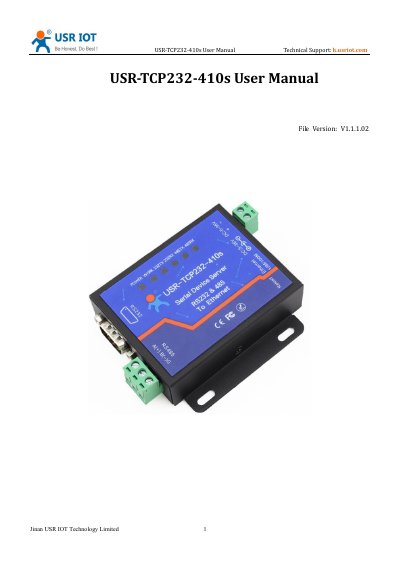
The USR TCP232-410s is a serial to Ethernet converter featuring a 10/100Mbps Ethernet interface with Auto-MDI/MDIX support. It supports RS232 and RS485 serial ports that can work independently, along with various flow control options including RTS/CTS and Xon/Xoff. The device supports dual socket modes for TCP and UDP clients and servers, as well as HTTP and WebSocket functions for real-time data transmission.
| Ethernet Interface | 10/100Mbps |
|---|---|
| Serial Ports | RS232 and RS485 |
| Baud Rate | 600bps~230.4K bps |
| Default IP Address | 192.168.0.7 |
| Max TCP Server Connections | 8 |
You can reset to default settings by pressing the Reload button for over 5 seconds while powering on, or by sending the AT+RELD command.
The default username and password are both 'admin'.
Yes, the device supports RS232 and RS485, and they can work independently.