
The USR G806 4G wireless router user manual provides setup steps, feature overview, AT command reference, and technical specifications.
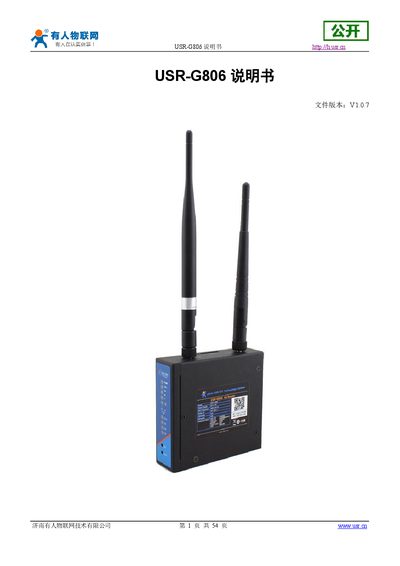
The USR G806 is a 4G wireless router designed for fast and reliable network connectivity in applications such as smart grids, medical devices, and home automation. It supports dual LAN/WAN ports, Wi‑Fi (802.11b/g/n), and multiple 4G bands, with optional VPN and remote management features.
The manual covers quick start, hardware connections, web‑based configuration, detailed product functions, AT command set, power and environmental specifications, contact information, disclaimer, and update history. It guides users through SIM installation, initial login (default user root, password root), factory reset, and advanced settings such as static routing and firewall rules. This manual is written in Chinese.
| Wi‑Fi Standard | 802.11b/g/n |
|---|---|
| Coverage Distance | 180 m (open area) |
| Power Supply Voltage | DC 5 ~ 36 V |
| Current Consumption (12 V) | Average 150 mA, Max 385 mA |
| Operating Temperature | -20 °C ~ +70 °C |
| LAN Ports | 1 × 10/100 Mbps LAN |
| Supported VPN Protocols | PPTP, L2TP, IPSec, OpenVPN, GRE, SSTP |
The default username and password are both "root".
Press the Reload button, which performs a one‑click factory reset.
Insert the SIM card into the router’s SIM slot, observing the correct orientation.
The router can be powered with a DC voltage ranging from 5 V to 36 V.