
This manual covers the installation, configuration, and operation of the USR-TCP232-410s serial server for transparent data transmission between…
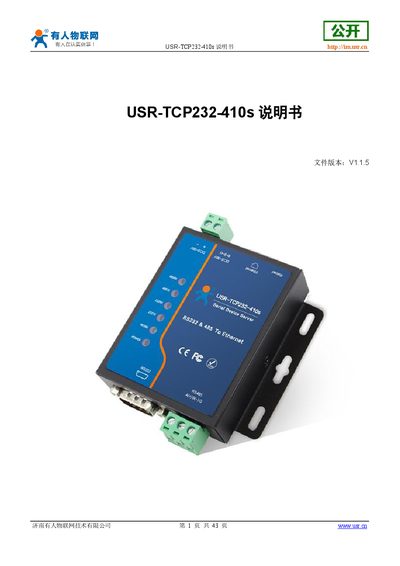
The USR-TCP232-410s is a dual-port serial server designed to facilitate bidirectional transparent transmission of data between serial interfaces (RS-232, RS-485) and an Ethernet network. Operating on a Cortex-M4 processor with an industrial-grade temperature range, it supports various TCP/IP modes including Server, Client, UDP, HTTPD, and WebSocket.
The device allows configuration via a built-in web interface or AT commands. Key features include support for hardware flow control (RTS/CTS), Modbus gateway functionality, firmware upgrades over the network, and customizable MAC addresses. The manual provides detailed instructions on hardware setup, default parameters, network settings, socket configurations, serial port parameters, and specific feature implementations like heartbeat packets and cloud transmission. This manual is written in Chinese.
| Processor | Cortex-M4, 120MHz |
|---|---|
| Operating Voltage | DC5.0~36.0V |
| Network Interface | RJ45, 10/100Mbps |
| Serial Baud Rate | 600~230.4Kbps |
| Operating Temperature | -40~85℃ |
| Dimensions | 81.5x84.0x24.0mm (L*W*H) |
| Network Isolation | 1.5KV electromagnetic isolation |
The default username is 'admin' and the password is also 'admin'.
Yes, the device supports configuration using both software settings and AT command sets.
The default IP address for the device is 192.168.0.7.