
Key facts
- Manuals
- 3
- Models
- 1
- Languages
- ZH
- Last added
- 2026-10-03
Usr models by category
Featured Usr manuals
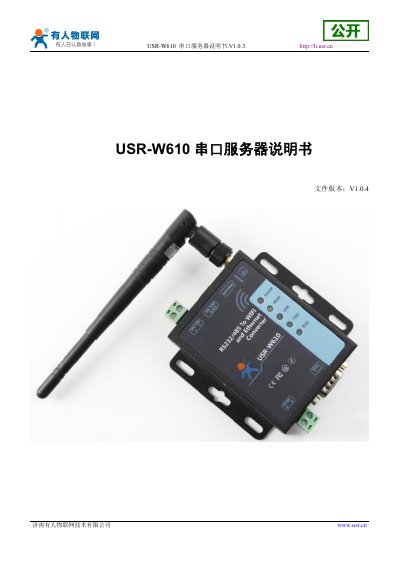
USR W610 Serial Server User Manual
The USR W610 is a serial‑to‑Wi‑Fi/Ethernet converter that supports RS232/RS485 interfaces, 802.11b/g/n wireless, and a wide input voltage range (DC5‑36 V). It offers multiple working modes such as transparent transmission, AT command, HTTPD client, and Modbus TCP↔RTU, plus features like remote upgrade, watchdog, and WebSocket.
The manual covers quick start procedures, hardware connection diagrams, network configuration (AP, STA, AP+STA modes), detailed function descriptions, AT command settings, and troubleshooting. It also includes contact information, disclaimer, and revision history. This manual is written in Chinese.
Covers: Quick Start · Product Overview · Network Configuration · Function Description · Settings · Contact Information
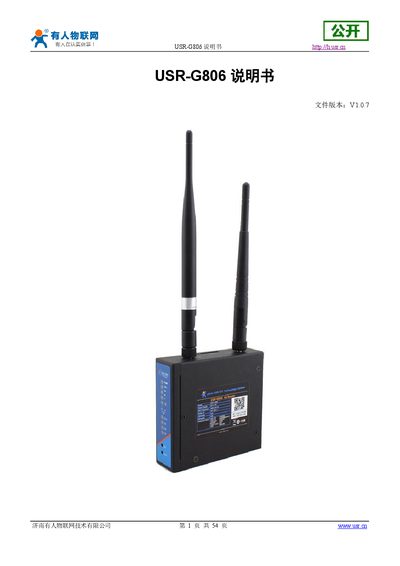
USR G806 4G Wireless Router User Manual
The USR G806 is a 4G wireless router designed for fast and reliable network connectivity in applications such as smart grids, medical devices, and home automation. It supports dual LAN/WAN ports, Wi‑Fi (802.11b/g/n), and multiple 4G bands, with optional VPN and remote management features.
The manual covers quick start, hardware connections, web‑based configuration, detailed product functions, AT command set, power and environmental specifications, contact information, disclaimer, and update history. It guides users through SIM installation, initial login (default user root, password root), factory reset, and advanced settings such as static routing and firewall rules. This manual is written in Chinese.
Covers: Quick Start · Product Overview · Product Features · Basic Parameters · Product Functions · Configuration Settings
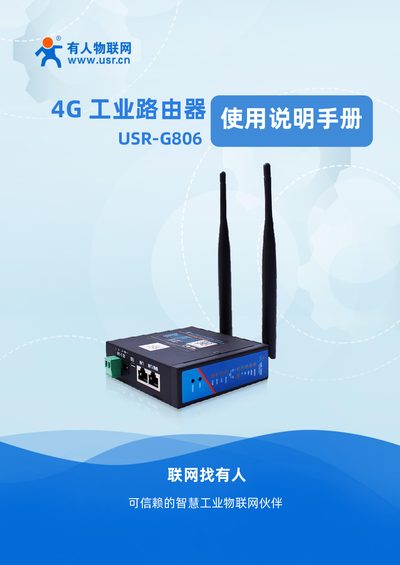
USR G806 4G Industrial Router User Manual
This manual guides users through basic testing, hardware connection, and computer configuration for the USR G806 4G industrial router. It includes instructions for powering the device, inserting the SIM card, connecting antennas, and accessing the built‑in web interface.
The document also covers common usage scenarios, detailed troubleshooting methods for network issues, VPN setup, firewall configuration, and firmware update history. Links to online resources such as software downloads and FAQs are provided for further assistance. This manual is written in Chinese.
Covers: Basic Test Cases · Common Usage · Troubleshooting · Power Supply and LEDs · Hardware Connection · Computer Settings
Latest Usr manuals
USR W610 Serial Server User Manual
User Manual 43 pages · 3.8 MB · ZHThe USR W610 Serial Server User Manual provides setup, configuration, and operation instructions for the RS232/RS485 to Wi‑Fi/Ethernet converter.
USR G806 4G Wireless Router User Manual
User Manual 54 pages · 4.6 MB · ZHThe USR G806 4G wireless router user manual provides setup steps, feature overview, AT command reference, and technical specifications.
USR G806 4G Industrial Router User Manual
User Manual 15 pages · 1.4 MB · ZHThe USR G806 user manual provides setup steps, configuration details, and troubleshooting for the 4G industrial router.
Which document do I need?
User Manual
Day-to-day operation, settings and troubleshooting. Start here if the product is already set up.
Questions answered in Usr manuals
What is the default SSID of the USR W610?
The default SSID is "USR‑W610_xxxx", where xxxx are the last four digits of the device’s MAC address.
How many simultaneous TCP connections can the device support?
The device can handle up to 24 TCP connections.
What is the default login username and password?
The default username and password are both "root".
How do I reset the router to factory settings?
Press the Reload button, which performs a one‑click factory reset.