
The USR W610 Serial Server User Manual provides setup, configuration, and operation instructions for the RS232/RS485 to Wi‑Fi/Ethernet converter.
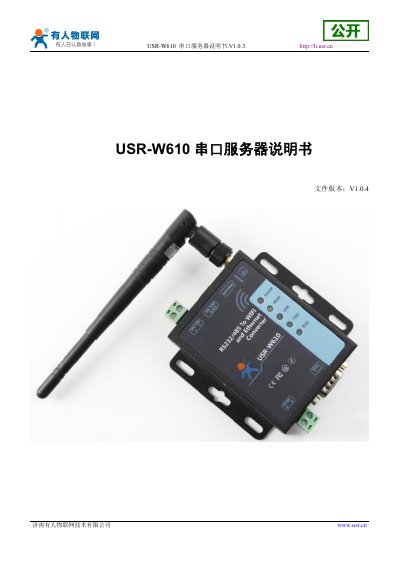
The USR W610 is a serial‑to‑Wi‑Fi/Ethernet converter that supports RS232/RS485 interfaces, 802.11b/g/n wireless, and a wide input voltage range (DC5‑36 V). It offers multiple working modes such as transparent transmission, AT command, HTTPD client, and Modbus TCP↔RTU, plus features like remote upgrade, watchdog, and WebSocket.
The manual covers quick start procedures, hardware connection diagrams, network configuration (AP, STA, AP+STA modes), detailed function descriptions, AT command settings, and troubleshooting. It also includes contact information, disclaimer, and revision history. This manual is written in Chinese.
| Wireless standard | 802.11b/g/n |
|---|---|
| Frequency range | 2.412 GHz‑2.484 GHz |
| Transmit power (802.11n) | +17 dBm (Max.@HT20,MCS7) |
| Working voltage | DC5‑36 V |
| Dimensions (L×W×H) | 86 mm × 82.5 mm × 25 mm |
| Operating temperature | -40 °C to 85 °C |
| RS232 data rate | 300‑460.8 Kbps |
| Ethernet speed | 10 Mbps / 100 Mbps |
The default SSID is "USR‑W610_xxxx", where xxxx are the last four digits of the device’s MAC address.
The device can handle up to 24 TCP connections.
It supports Station (STA), Access Point (AP), and combined AP+STA modes.
Connect the antenna, power supply, and RS232 line to the corresponding ports as shown in the hardware connection diagram.