
This document is the user guide for HP LaserJet 4250/4350 series printers, describing the features and characteristics of the product.
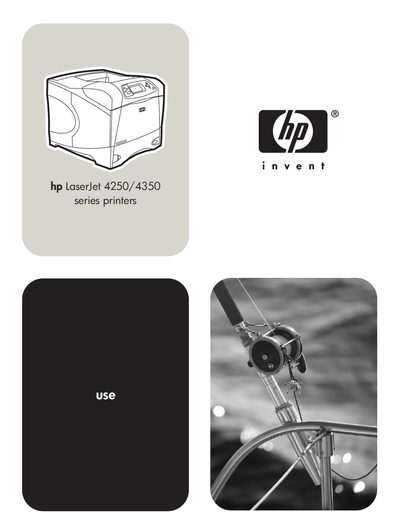
This guide provides detailed information on the HP LaserJet 4250 and 4350 series printers, including basic printer functions, configuration options, and available accessories. It explains how to install software, select print media, and use advanced features such as stapling, duplexing, and transparency printing.
The manual also contains sections on preventive maintenance, troubleshooting common problems, and managing supplies through the HP Toolbox and embedded web server. Appendices list part numbers, ordering information, and specifications for media and optional trays.
| Maximum transparencies in tray 1 | 50 sheets |
|---|---|
| Maximum transparencies in tray 2 | 100 sheets |
| Optional 500‑sheet tray capacity | 500 sheets |
| Optional 1,500‑sheet tray capacity | 1,500 sheets |
The manual provides a step‑by‑step procedure in section 115 to reset the maintenance‑kit counter.
Verify the power‑cord connections, try a different outlet, ensure the power meets the printer specifications, and press the power button to see if the panel responds.