
KCU Communication PC Software Installation and User's Guide, mainly used for controller connection and configuration, support Windows XP or above operating system
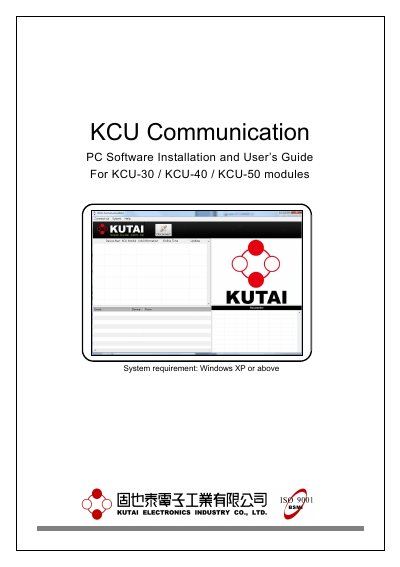
This document provides instructions for installing the KCU Communication PC Software and registering for a KUTAI software account required for server connection services. It details the system requirements, installation steps, and how to manage previous versions of the software.
The software requires Windows XP or above.
KCU-30, KCU-40, and KCU-50 modules require a server connection service, while KCU-01, KCU-02, and KCU-03 do not.
The factory default password for Administrator is 0000 and for Viewer is 9999.