
KUTAI KCU-02 Monitor Software Installation User Manual

This manual introduces the installation method of KCU-02 monitor software.
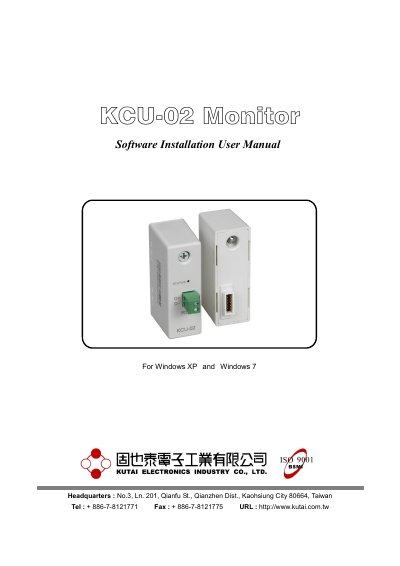

KUTAI KCU-02 Monitor Software Installation User Manual - cover page
Brand
KUTAI
Category
Industrial Supply
Document type
User Manual
Language
English
Pages
19
File format
PDF
File size
1.5 MB
Published
19 October, 2023
Updated
19 October, 2023
MD5 checksum
7A0A9AABCF527C76910E56F835C2BD2D

About this manual

This manual provides instructions for installing the KCU-02 Monitor Software on Windows XP and Windows 7 systems. It details the installation process, including the Run-Time Engine Driver, and explains how to configure system settings such as event logs, data recording paths, and interface language.

What's inside

  • Application Installation
  • System Setting
  • Connecting to Network
  • Online Controller Listing
  • Event Overview
  • Parameter Setting
  • Figure Recording

Frequently asked questions

What operating systems does this software support?

Windows XP and Windows 7.

What is the default action when a Note or alarm is generated?

The system will automatically record the contents of the event and save to file when leaving monitoring.

What is the data acquisition interval for the system?

The system retrieves data every few seconds and store into file.

What are the available models for Data Log Record?

AMF-10, GCU-100, GCU-3000.

Download PDF (1.5 MB)

More KUTAI Manuals


View all KUTAI manuals →