
The manual provides operating instructions for the ECU-02 Automatic Engine Control Unit.
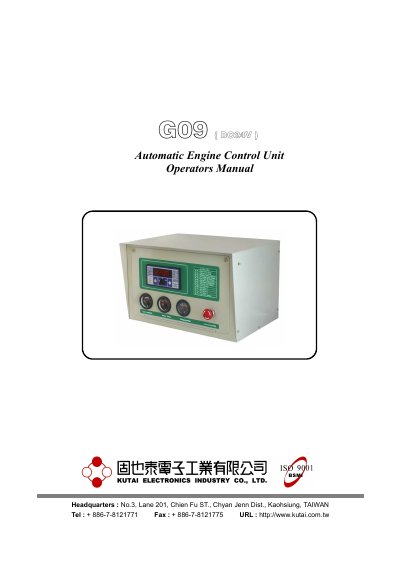
The KUTAI ECU-02 is a generator control module designed to automatically start and stop generator sets. It monitors engine and generator performance, providing digital readouts and fault diagnostics via a front display panel with LEDs. The unit supports remote starting via Automatic Transfer Switches and includes features like generator overload protection and adjustable operational sequences.
| Input Voltage | DC12 or DC24 volts |
|---|---|
| Remote Start Inputs | Two-wire signals |
| Display Type | 4 digit/7-segment |
Disconnect the B- terminal from the battery for 4 seconds, or push the reset button behind the front panel with a thin isolation tool for 1 second.
The ECU-02 Generator Control module is used to start and stop a generator-set automatically.
The ECU-02 engine control unit automatically adjusts itself to DC12 or DC24 volts systems.
With the Selector Switch on OFF, push the button “ PROM ” on the rear panel for 4 seconds.