
Key facts
- Brand
- KUTAI
- Model
- KCU-30
- Category
- Other Electronics
- Documents
- 2
- Languages
- EN
- Last added
- 2023-10-19
Start here
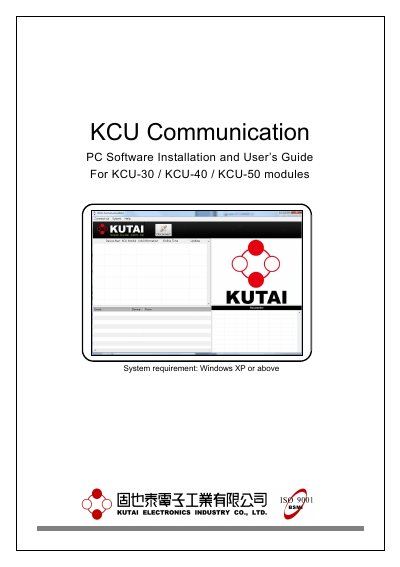
KUTAI KCU-30/40/50 Communication PC Software User Guide
This document provides instructions for installing the KCU Communication PC Software and registering for a KUTAI software account required for server connection services. It details the system requirements, installation steps, and how to manage previous versions of the software.
Read onlineKUTAI KCU-30 specifications
| Operation Temperature | -20 – +70 ˚C |
|---|---|
| Storage Temperature | -35 – +85 ˚C |
| Ethernet Standard | 10Base-T |
Source: KUTAI KCU-30 Ethernet Remote Communication Module Installation Manual
All KUTAI KCU-30 documents by type
Day-to-day operation, settings and troubleshooting. Start here if the product is already set up.
Mounting, wiring and first power-up. Read it before the hardware goes in.
Questions answered in these manuals
What are the system requirements for the software?
The software requires Windows XP or above.
From: KUTAI KCU-30/40/50 Communication PC Software User Guide
Which controllers require a server connection service?
KCU-30, KCU-40, and KCU-50 modules require a server connection service, while KCU-01, KCU-02, and KCU-03 do not.
From: KUTAI KCU-30/40/50 Communication PC Software User Guide
Which KUTAI controllers are compatible with the KCU-30 module?
The module is designed for use with specific KUTAI ATS and Generator Controllers, including AMF-10, GCU-100, GCU-3000, ATS-22A, ATS-33, ATS-34, and ATS-PLC.
From: KUTAI KCU-30 Ethernet Remote Communication Module Installation Manual
What are the default connection passwords for the KCU-30?
The factory default Administrator Password is 0000, and the Viewer Password is 9999.
From: KUTAI KCU-30 Ethernet Remote Communication Module Installation Manual